When I walk into a coworking space, I can tell right away if the furniture helps or hinders the people using it.
A chair that supports your back or a desk at the right height can make the difference between working well all day or feeling tired by noon.
Ergonomic furniture keeps you comfortable, reduces strain, and helps you stay focused longer.
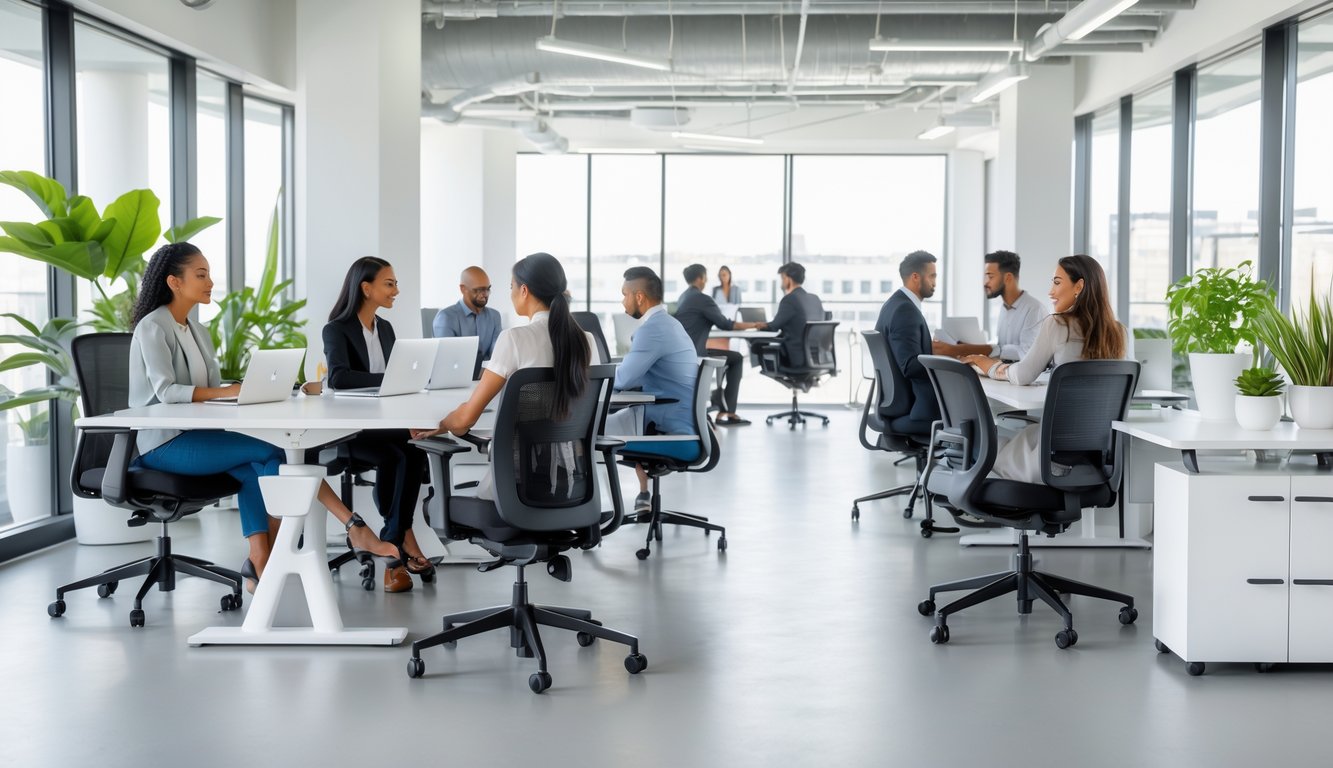
I’ve seen the right setup change not just posture, but also productivity and mood.
In a shared workspace, people come with different needs and working styles.
Ergonomic chairs and desks adapt to each person and support collaboration.
It’s about creating an environment where you can work with ease, whether you’re at a hot desk, in a meeting room, or in a quiet corner.
Let’s look at how ergonomic furniture fits into coworking spaces, what features matter, and how smart design balances comfort, focus, and teamwork.
Why Ergonomic Furniture Is Essential for Coworking Spaces
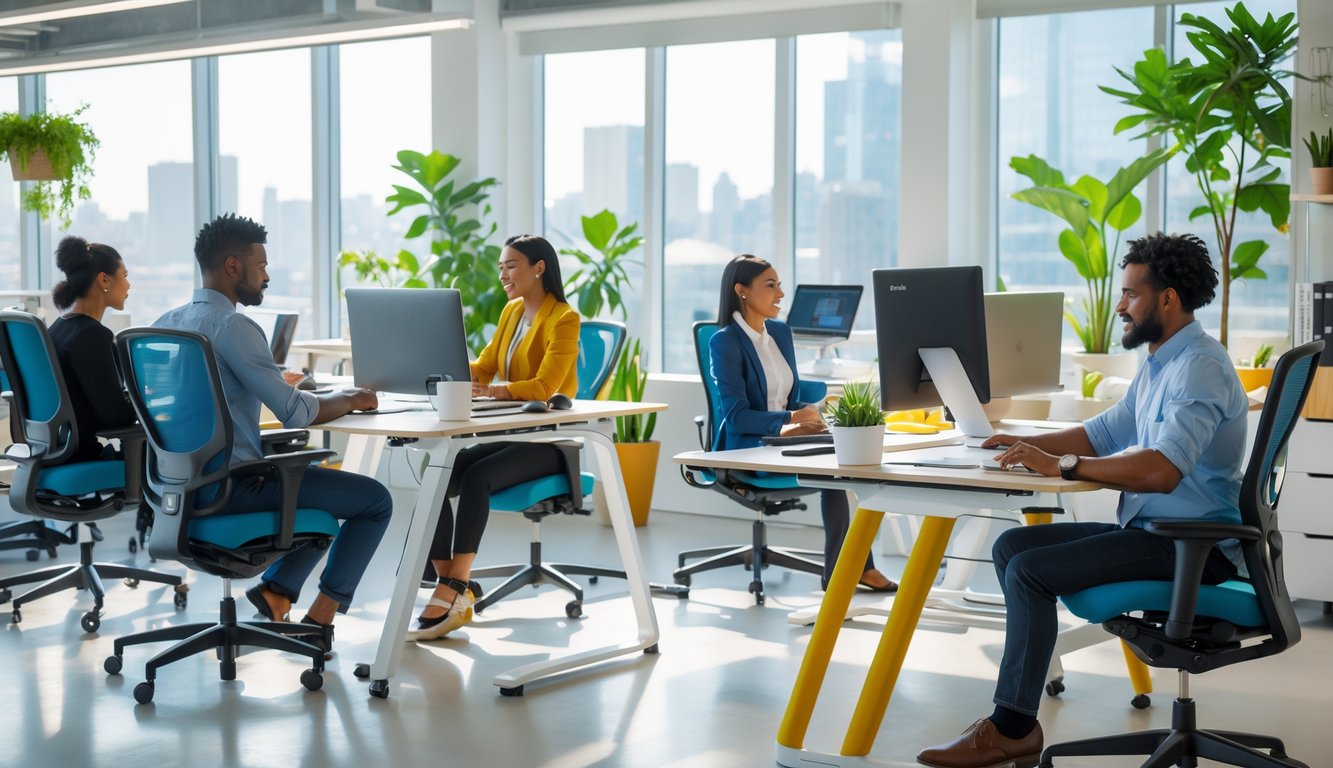
I’ve seen the right furniture make a big difference in how people feel and work.
Proper ergonomics help me stay focused, avoid strain, and work more comfortably for longer.
It also supports a healthier, more adaptable workspace for everyone.
Impact on Productivity and Well-Being
When I use a chair that supports my posture and a desk at the right height, I can work longer without feeling sore.
Ergonomic furniture helps me keep my body in a neutral position, which reduces fatigue.
In coworking spaces, people often spend hours at their desks.
Adjustable chairs, monitor stands, and sit-stand desks let me choose the setup that works best for me.
A well-designed ergonomic setup keeps me from getting distracted by back pain or wrist strain, so I can focus on my tasks.
Studies show that comfortable workers are more productive and engaged.
Role in Modern Workspace Design
Modern coworking spaces aim to be flexible and inclusive.
I’ve noticed that ergonomic furniture fits perfectly into this approach.
Adjustable desks and chairs let people of different heights, body types, and work styles customize their workspace.
Some spaces combine ergonomic setups with flexible layouts.
I can move between a sitting desk, a standing desk, or a lounge area depending on my needs.
Designing with ergonomics in mind also makes a space look professional and inviting.
Visitors and members see that the space values comfort and health.
Reducing Discomfort and Health Risks
I’ve learned that sitting in a poorly designed chair for hours can cause back pain, neck strain, and wrist injuries.
Over time, these issues can affect my ability to work and enjoy daily activities.
Ergonomic furniture prevents these problems by supporting my body’s natural alignment.
A chair with lumbar support, for example, reduces pressure on my lower back.
In coworking spaces, where people may not have a permanent desk, having adjustable and supportive furniture is essential.
It ensures that no matter where I sit, I can work in a safe and comfortable position.
Features like height-adjustable desks, supportive seating, and monitor arms lower the risk of repetitive strain injuries.
Experts note that these options help meet different ergonomic needs and keep members healthy.
Core Features of Ergonomic Office Furniture
I focus on furniture that supports the body’s natural posture, adapts to different work styles, and uses materials that feel good and last.
These details help me work longer without discomfort and make my workspace more inviting.
Adjustable Chairs and Lumbar Support
I always look for adjustable chairs because they let me set the seat height so my feet rest flat on the floor.
This keeps my knees at about a 90-degree angle, which feels much better over time.
Good chairs also have adjustable lumbar support.
I can move the support up or down to fit the curve of my lower back.
It helps reduce strain and keeps me sitting upright without slouching.
Some ergonomic chairs let me adjust the armrests, so my elbows stay close to my body and my shoulders stay relaxed.
This reduces tension in my neck and upper back.
Chairs with breathable mesh backs keep me cooler, while padded seats add comfort for longer sessions.
A well-designed chair makes a big difference in how I feel at the end of the day.
Height-Adjustable and Sit-Stand Desks
Using a height-adjustable desk lets me change between sitting and standing during the day.
This keeps me from staying in one position too long, which can cause stiffness.
A sit-stand desk with smooth, quiet adjustments is best.
I can quickly raise or lower it to match my chair height or to stand comfortably.
This helps me keep my wrists and arms in a neutral position while typing.
Some desks have memory settings, so I can save my favorite sitting and standing heights.
I also like desks with built-in cable management.
Keeping cords out of the way makes the space look cleaner and prevents tangles when I move the desk up or down.
Material Choices for Comfort and Sustainability
I prefer sustainable materials like bamboo or recycled wood for desk surfaces.
They are durable, look good, and have a smaller environmental impact.
For chairs, I choose fabrics that are breathable and easy to clean.
Mesh is great for airflow, while quality upholstery adds comfort.
Some ergonomic office furniture uses low-VOC finishes, which means fewer chemicals in the air.
This improves indoor air quality and makes the workspace healthier.
I also look for strong, long-lasting frames made from steel or aluminum.
This means the furniture will last longer and won’t need to be replaced as often, which is better for both my budget and the environment.
Workspace Design Strategies for Coworking Environments
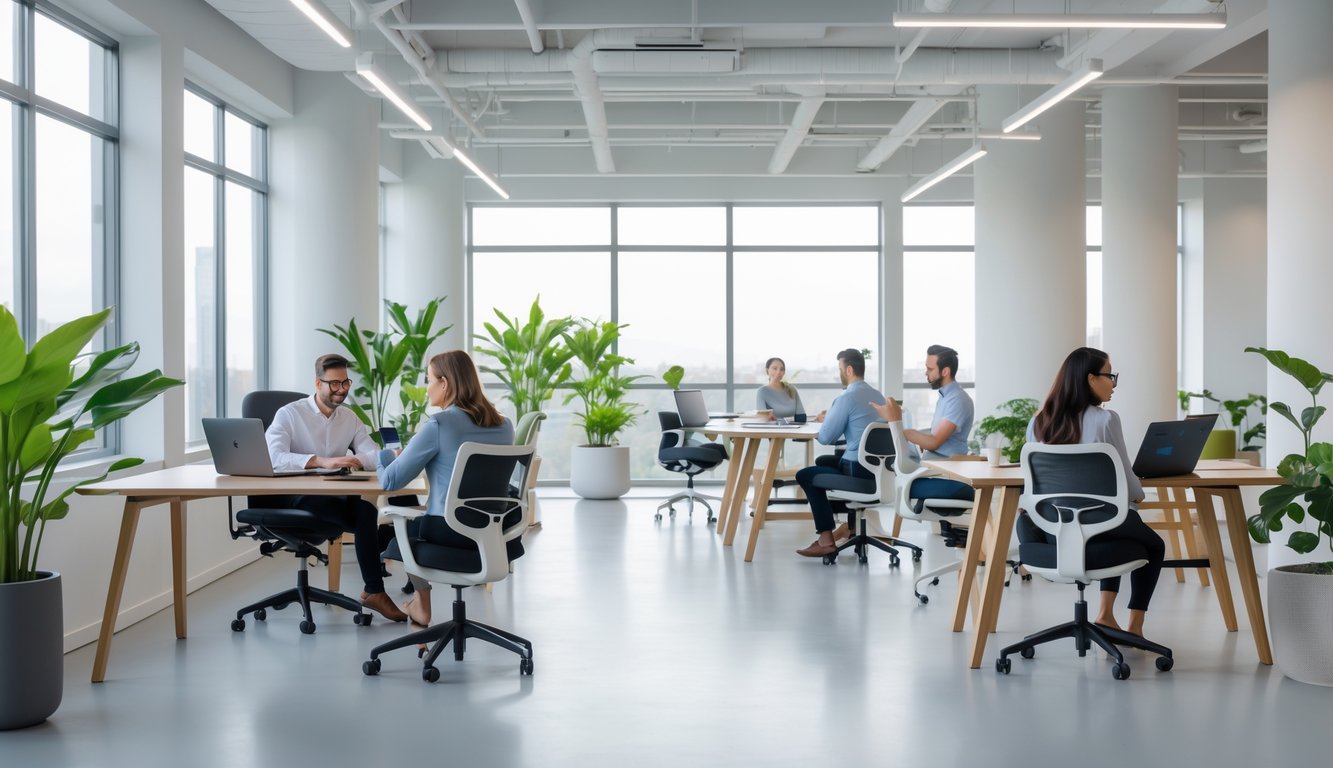
I focus on creating coworking spaces that balance comfort, functionality, and flexibility.
The right design choices help people stay productive while feeling comfortable in a shared environment.
Flexible Workstations and Hot Desking
I like to include a mix of dedicated desks, shared tables, and lounge seating.
This gives people the option to choose where they work based on their task or mood.
Hot desking works well when there are clear systems for booking or claiming a spot.
I’ve seen spaces use simple digital tools or desk tags to avoid confusion.
To keep things comfortable, I make sure each workstation has adjustable chairs, good lighting, and access to power outlets.
I also plan for quiet zones and collaborative areas so people can move between focused and social work.
When I design flexible layouts, I think about how people will move around the space.
Wide walkways, clear signage, and easy access to amenities make the space more inviting and functional.
Space Optimization and Layout Planning
I start by mapping out how people will use the space during a typical day.
This helps me place desks, meeting rooms, and lounge areas where they make the most sense.
Using modular furniture is one of my favorite strategies.
Tables and seating that can be rearranged allow the space to adapt for events, workshops, or team projects.
I also consider storage.
Lockers or small personal storage units help keep shared areas clutter-free.
For efficiency, I follow a simple layout principle:
- Collaborative zones near common areas.
- Quiet zones away from high-traffic spots.
- Break areas with easy access to kitchens or coffee stations.
This approach keeps noise levels balanced and makes the space easier to navigate.
Biophilic and Natural Elements
I’ve found that adding biophilic design features makes coworking spaces feel more welcoming.
Simple touches like indoor plants improve air quality and bring a calming effect.
Natural lighting is a priority for me.
I arrange desks near windows when possible and use light-colored walls to reflect sunlight deeper into the room.
When natural light is limited, I choose warm, low-glare lighting to mimic daylight.
I also like to use natural materials—wood, stone, and cotton fabrics—to create a softer, more grounded feel.
Even small details like plant walls or water features can make the environment more pleasant and reduce stress for people working there.
Enhancing Collaboration and Privacy
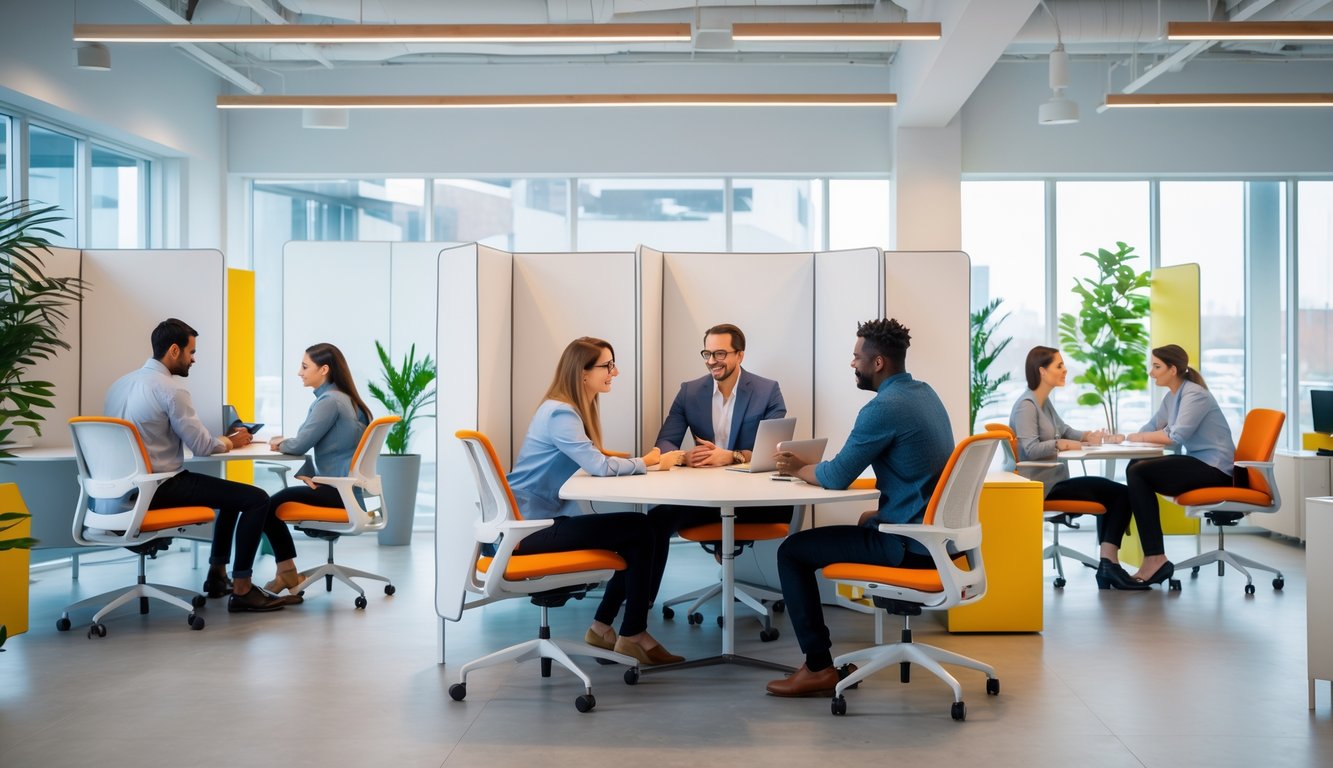
The right furniture layout makes it easier for people to work together while still having spaces for focused, private conversations.
Good design balances open areas for teamwork with enclosed spots that protect confidentiality and reduce distractions.
Collaborative Zones and Seating
When I set up collaborative zones, I focus on flexible layouts.
Modular desks and collaborative seating let me rearrange the space for group projects, workshops, or casual brainstorming.
I like adding lounge areas with comfortable seating because they encourage relaxed discussions.
Sofas, armchairs, and low tables make it easier for people to share ideas without feeling formal.
For more active teamwork, I prefer high tables with stools.
This setup keeps energy levels up and supports quick stand-up meetings.
According to Fusion Furnish, versatile furniture supports different work styles and boosts productivity.
I also make sure there’s enough space between groups to avoid people talking over each other.
This keeps conversations clear and prevents noise from becoming overwhelming.
Private Offices and Meeting Rooms
Private offices give me a quiet place to focus or handle sensitive work. I use them for tasks that require concentration or when I need to discuss something confidential.
Meeting rooms play an important role too. I equip them with comfortable seating and large tables for documents and laptops.
This setup helps everyone work without feeling cramped. I’ve found that having both small and large meeting rooms works best.
Smaller rooms work well for quick check-ins. Larger rooms are better for team presentations or client meetings.
Ace Office Systems says that privacy in these spaces improves collaboration by letting people speak freely. I also choose rooms with good lighting and ventilation to keep them comfortable for longer sessions.
Acoustic Panels and Movable Partitions
Noise makes it hard for me to focus, so I use acoustic panels to absorb sound. These panels work well on walls, ceilings, or as decorative elements.
For flexibility, I use movable partitions. They let me divide a large space into smaller zones for meetings or quiet work.
When I need an open area again, I move them aside. By combining partitions with sound-absorbing materials, I create a more peaceful environment.
Global Vision Company says that dividers help balance privacy and interaction. I choose designs that match the rest of the furniture so the space feels cohesive and welcoming.
Optimizing Lighting and Technology Integration
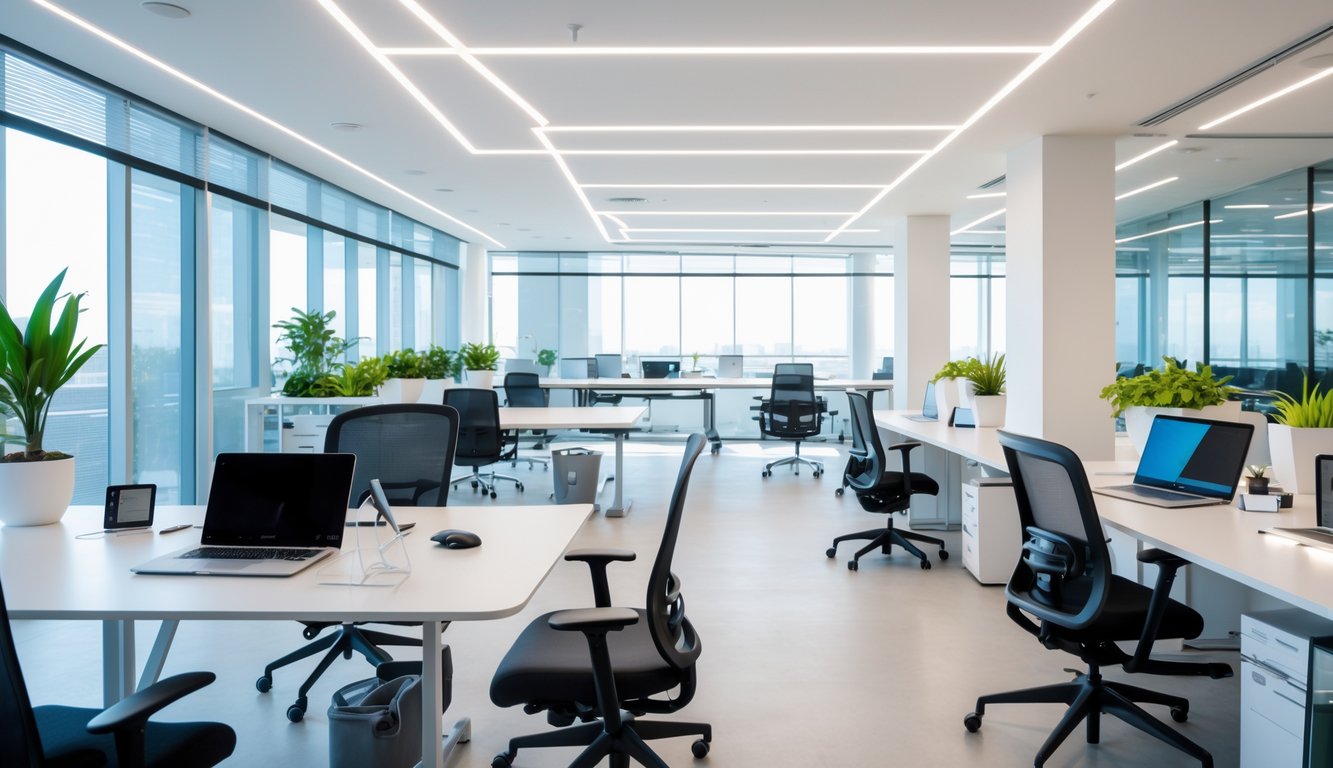
I aim to create a workspace that supports my body and workflow. Good lighting helps me avoid eye strain.
Smart furniture keeps my devices powered without messy cords. Both features make my day smoother and more productive.
Task Lighting and Eye Strain Reduction
Task lighting is different from general room lighting. It gives me focused light for reading, typing, or sketching without overlighting the whole space.
In coworking spaces, I choose desks with adjustable lamps. This lets me control brightness and angle, which reduces glare on my screen.
Glare often causes eye strain. I also prefer lighting that matches natural daylight (around 5000K), which helps me stay alert and keeps colors accurate on my monitor.
Here’s what I look for in task lighting:
| Feature | Why It Helps |
|---|---|
| Adjustable arm | Directs light exactly where I need it |
| Dimmable settings | Lets me adapt to different times of day |
| LED bulb | Energy-efficient and stays cool to touch |
Using the right light helps me work longer without my eyes feeling tired or dry.
Smart Office Furniture and Power Outlets
Smart office furniture can make a big difference in coworking spaces. Desks with built-in power outlets and USB ports save me from searching for wall sockets.
Some tables offer wireless charging pads. This keeps my phone charged while I work and reduces cable clutter.
With tech-integrated furniture, I can plug in my laptop, charge my headphones, and keep my tablet ready without leaving my seat.
Furniture with cable management channels keeps cords tucked away. This looks cleaner and prevents tripping hazards.
Having power built into the desk means fewer interruptions and a more organized workspace. It’s a small detail that helps me stay focused throughout the day.
Design Considerations for Diverse Work Environments
I design spaces to meet the needs of people with different abilities, work styles, and sensory preferences. I also pay attention to how color and layout affect comfort, mood, and productivity.
Inclusive and Accessible Ergonomic Solutions
When I choose ergonomic furniture, I look for adjustable features like seat height, armrest width, and lumbar support. This way, each person can set up their workstation for comfort and proper posture.
For people with mobility challenges, I make sure desks have enough clearance for wheelchairs. I keep pathways wide and uncluttered.
I also consider height-adjustable desks so everyone can work seated or standing. Adding soundproof pods or quiet zones helps those who need low-stimulation environments.
Following inclusive design principles, I use task lighting that can be dimmed or brightened to suit individual needs.
To make the environment more adaptable, I choose modular furniture. This allows me to rearrange layouts quickly for group work or solo focus without sacrificing ergonomic support.
Color Schemes and Aesthetic Choices
I choose color schemes that balance focus and relaxation. For example, soft blues and greens create a calm atmosphere.
Muted yellows add warmth without causing distractions. In shared spaces, I avoid bright or high-contrast patterns because they cause visual fatigue.
I use matte finishes on desks and walls to reduce glare from lighting. I also use color to define zones.
Cool tones mark quiet areas, and warmer shades mark collaborative zones. This visual cue helps people navigate the space without extra signage.
When possible, I add natural elements like wooden textures and plants. These pair well with neutral color palettes and make the space feel more inviting.