When I walk into a coworking space, I want to know that everyone can move, work, and connect without barriers. Accessibility features help people with different needs use the space comfortably and independently.
This includes step-free entrances, wide doorways, quiet rooms, and accessible digital tools.
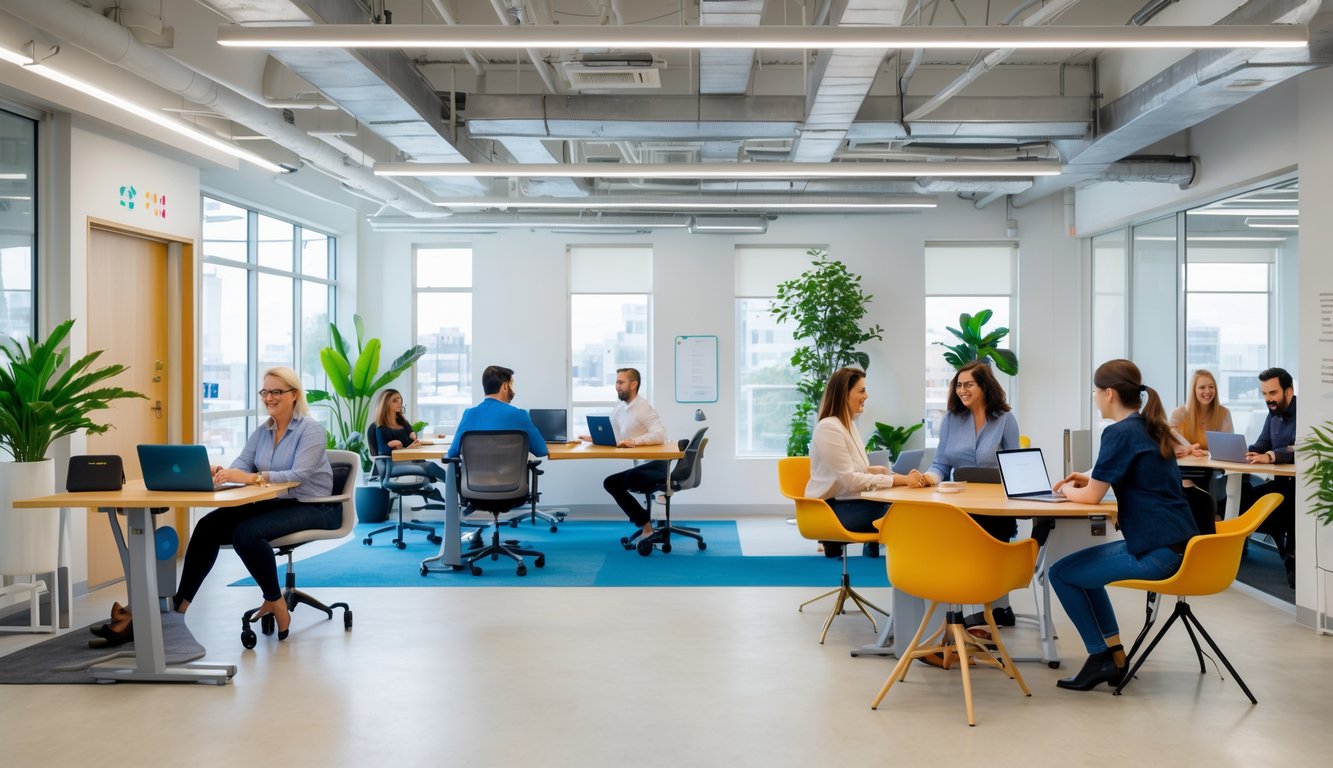
I’ve seen how small design choices make a big difference. A ramp at the entrance, clear wayfinding signs, or adjustable desks open the door—literally and figuratively—for more people to join the community.
Spaces that follow accessibility best practices do more than meet legal requirements. They also create a more welcoming atmosphere for everyone.
Accessibility is not just about physical access. Digital accessibility, like screen reader–friendly booking systems or high-contrast websites, ensures no one is left out.
By applying these principles, I help create a coworking space where every member feels included from the moment they log in or walk through the door.
Understanding Accessibility in Coworking Spaces
I see how the design of a coworking space shapes the experience for people with different needs. Physical layouts, technology, and policies all affect whether everyone can work comfortably and productively.
Defining Accessibility and Inclusivity
When I talk about accessibility, I mean making a space usable for people with a wide range of abilities. This includes physical access like ramps and wide doorways, as well as digital access such as screen reader–friendly websites.
Inclusivity goes further. It’s about creating an environment where diversity is valued and everyone feels welcome.
This means considering people with disabilities, neurodivergent individuals, and those with different cultural or language backgrounds.
In coworking spaces, accessibility and inclusivity often work together. A wheelchair-accessible entrance is important, but so are clear signage, adjustable desks, and quiet areas for people who need low-stimulation environments.
Spaces designed with these principles attract a broader range of members.
The Importance of Accessible Workspaces
An accessible workspace gives people with disabilities equal opportunities to work, network, and grow their businesses. Without it, they may miss valuable professional connections.
In coworking spaces, this means providing assistive technology, ergonomic furniture, and flexible seating arrangements. Meeting rooms, kitchens, and restrooms should be barrier-free.
Accessible design goes beyond compliance. It creates a place where everyone can focus on their work without worrying about barriers.
For example, designing coworking spaces for accessibility and inclusivity helps foster a stronger, more diverse community.
Barriers Faced by People with Disabilities
People with disabilities often face physical and digital barriers in coworking spaces. Physical barriers include narrow hallways, heavy doors, or desks that can’t be adjusted.
Digital barriers may involve websites or booking systems that are not compatible with assistive software.
Noise can also be a challenge. Open-plan layouts may make it hard for people with hearing impairments or sensory sensitivities to concentrate.
Sometimes, the biggest barrier is a lack of awareness. Staff or members may not know how to assist someone with a disability.
Training and clear policies help address this.
A more inclusive space attracts more members and creates a richer professional community.
Physical Accessibility Features
I make sure every part of a workspace is easy to navigate, comfortable to use, and welcoming for people with different needs. This means removing physical barriers, choosing practical layouts, and adding features that make daily tasks simpler for everyone.
Step-Free Entryways and Wide Doorways
I ensure entryways are flat or have ramps so no one has to deal with stairs. A step-free entrance helps people using wheelchairs, walkers, or strollers move in without difficulty.
Wide doorways matter too. I aim for at least 32 inches of clear width, which meets ADA standards and allows most mobility devices to pass through easily.
Automatic doors are a useful upgrade. They reduce the need to push or pull heavy doors, which can be hard for people with limited strength.
Clear paths inside the building help as well. I keep hallways wide and free from clutter so movement stays smooth from the entrance to the work areas.
Accessible Restrooms and Common Areas
I design restrooms with enough turning space for wheelchairs, usually a 60-inch diameter. Grab bars near toilets and sinks at an accessible height make a big difference.
I choose lever-style handles instead of knobs, as they are easier to use for people with limited hand mobility.
In common areas, I keep furniture spaced out so people can move freely. Shared kitchens, lounges, and meeting rooms should all have counters, tables, and appliances within reach for everyone.
Clear, high-contrast signs with braille help people find restrooms and shared spaces without confusion.
Ergonomic Furniture and Adjustable Desks
I include ergonomic chairs with proper lumbar support so people can sit comfortably for long periods. Chairs with adjustable height and armrests fit different body types.
For desks, I prefer adjustable-height models. These allow users to switch between sitting and standing, which supports better posture and reduces strain.
I also make sure there’s enough legroom under desks for wheelchair users. Cables and wires stay out of the way to prevent tripping hazards.
When choosing furniture, I look for durable materials that are easy to clean. This helps maintain a safe and hygienic workspace.
Quiet Zones and Sensory-Friendly Spaces
I set aside quiet zones for people who need a low-stimulation environment. These areas help those with sensory sensitivities, ADHD, or anyone who needs focused work time.
I use soft lighting instead of harsh fluorescent bulbs. Adjustable blinds or curtains help control natural light and reduce glare.
Sound-absorbing panels, carpets, and curtains reduce background noise. I also keep furniture minimal in these areas to avoid visual clutter.
Some spaces include noise-canceling headphones or small booths for private calls. These features help people work without distraction and feel comfortable in the space.
Digital Accessibility in Coworking Spaces
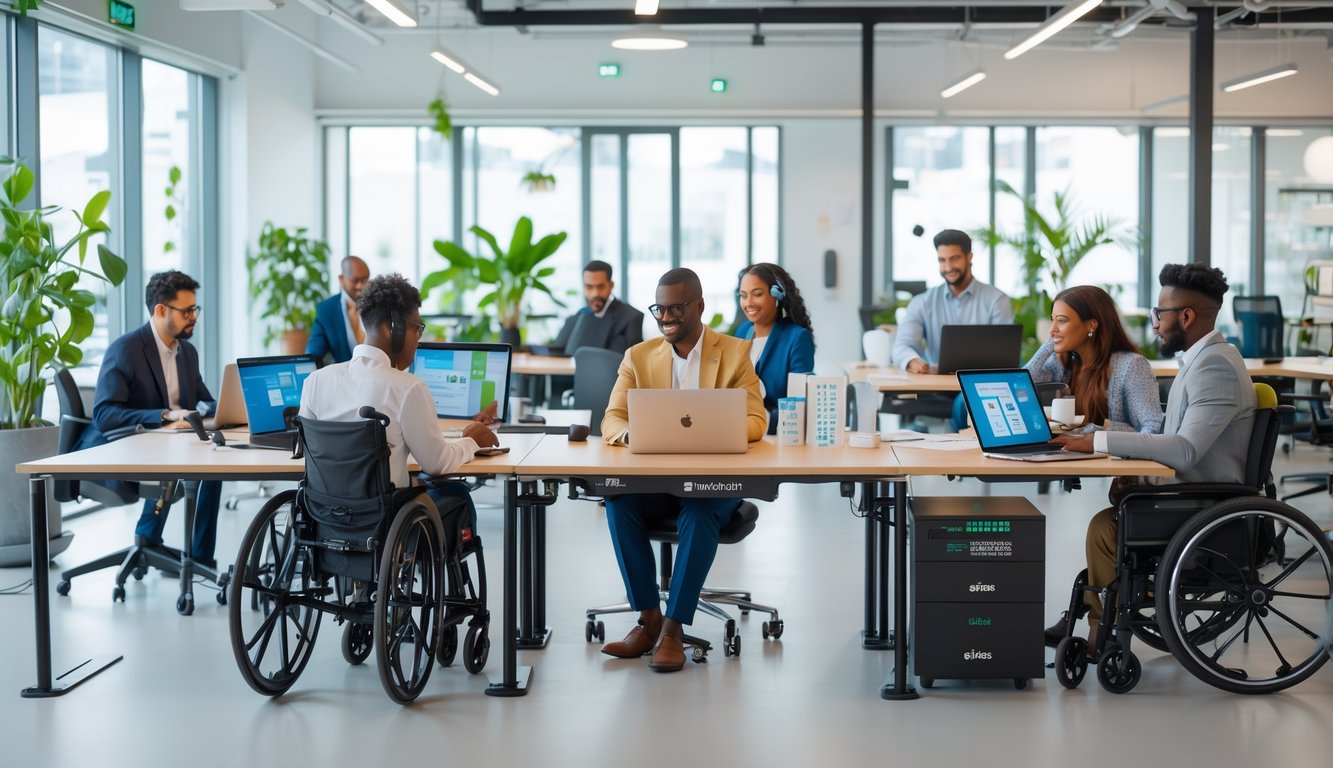
I make sure our coworking space is easy for everyone to use, both in person and online. Our websites, booking systems, and digital tools work well for people with different abilities, including those using assistive technology.
WCAG and Web Content Accessibility Guidelines
I follow the Web Content Accessibility Guidelines (WCAG) because they give clear steps for making digital content usable for more people. These guidelines cover text contrast, keyboard navigation, and readable font sizes.
For example, WCAG recommends a minimum contrast ratio of 4.5:1 for normal text. This helps people with low vision read content more easily.
I check that forms, buttons, and menus are labeled correctly. This makes them easier to navigate with a keyboard or screen reader.
Here’s a quick list of WCAG principles I keep in mind:
- Perceivable: Information must be presented in ways users can recognize.
- Operable: All features should work with a keyboard.
- Understandable: Content should be clear and predictable.
- Robust: Content must work with current and future assistive tools.
You can read more about WCAG from the official guidelines.
Screen Readers and Assistive Technology
Many members use screen readers to read text aloud or convert it to braille. I make sure our booking system and website work with popular screen readers like JAWS, NVDA, and VoiceOver.
I avoid using images or icons without text labels. If a button only shows a symbol, a screen reader might not explain what it does.
I test our site by navigating with a keyboard only. If I can’t reach a feature without a mouse, I know it needs fixing.
Some members use speech-to-text software to input text or magnification tools to enlarge content. I make sure our platforms support these tools without breaking layouts or hiding information.
Accessible Digital Tools and Platforms
When I choose digital tools for the space, I look for ones that meet accessibility standards. This includes coworking management platforms, chat apps, and video conferencing tools.
Our booking system is designed for screen reader compatibility and works on both desktop and mobile. Tools like these help members with visual or motor impairments work independently.
I check if platforms allow users to adjust text size, change color themes, or enable high-contrast modes. These features make a big difference.
Some tools include built-in accessibility checkers. These alert me to issues like missing alt text or low-contrast colors before they become a problem.
Captions and Alternative Text
I always turn on captions for meetings, webinars, and recorded content. This helps members who are deaf or hard of hearing follow along.
Many video platforms now offer automatic captions, but I review them for accuracy.
For images on our website or internal platforms, I add alternative text (alt text). This describes the image for people using screen readers.
For example, instead of “image123.jpg,” I might write “Photo of a shared desk area with four laptops.”
I use captions for training videos and marketing materials. This makes them easier to understand in noisy environments or when someone can’t play audio.
When I post graphics with text, I make sure that text is also available in a written format so no one misses important information.
Legal Standards and Accessibility Regulations
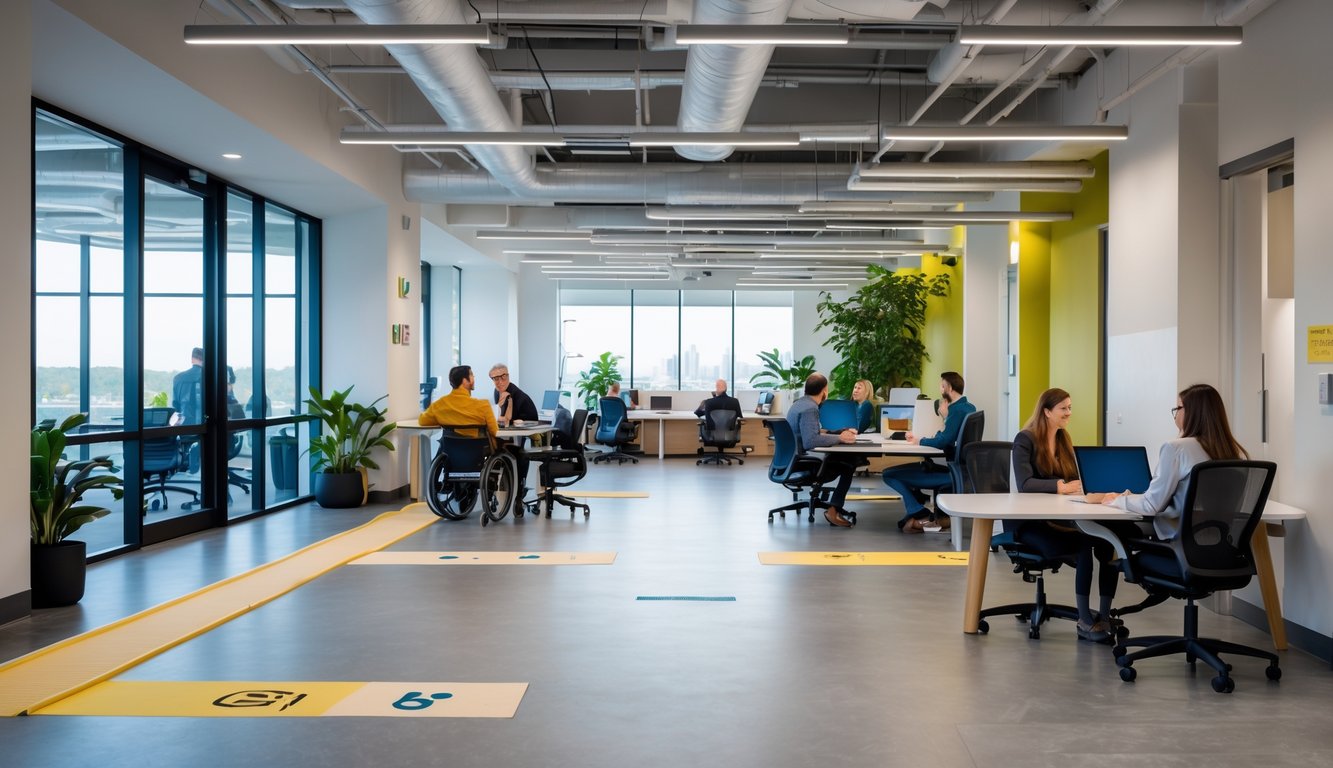
I make sure my coworking space meets clear legal rules so everyone can use it comfortably and safely. These rules cover building design, technology, and daily operations to remove barriers for people with disabilities.
Americans with Disabilities Act (ADA)
In the United States, the Americans with Disabilities Act (ADA) sets the main accessibility requirements for public spaces. This law covers coworking spaces because they serve the public.
I follow the ADA Standards for Accessible Design and make sure features like wide doorways, ramps, and accessible restrooms are available. These standards also include signage, lighting, and parking spaces.
The ADA also covers digital access. My website, booking system, and member portal work with screen readers and other assistive technology.
You can check the official ADA Standards for Accessible Design for exact measurements and specifications.
If I do not comply, I risk legal penalties and may exclude potential members. Regular checks help me stay compliant and welcoming to everyone.
International Accessibility Laws
When I operate outside the U.S., I follow the laws in that country. In the UK, the Equality Act requires employers and service providers to make reasonable adjustments for people with disabilities.
In the EU, the European Accessibility Act sets similar requirements. In the UAE, specific building codes and licensing rules for coworking spaces include accessibility provisions.
These rules can include elevators, height-adjustable furniture, and clear signage in multiple languages. I research each country’s regulations before opening a location.
For example, I check the legal requirements to open a coworking space to make sure my design meets local accessibility codes.
Performing Accessibility Audits
I use accessibility audits to find and fix problems before they cause issues. I walk through my space and test each area against legal standards.
I check:
- Entrances and exits for ramps or lifts
- Restrooms for grab bars and turning space
- Workstations for adjustable desks
- Digital tools for screen reader compatibility
Sometimes I hire a certified inspector for a more detailed review. The inspector uses measurement tools and compliance checklists to make sure nothing is missed.
I also ask members with disabilities for feedback. Their input often reveals practical issues that legal checklists do not cover.
Designing Inclusive and Diverse Coworking Communities
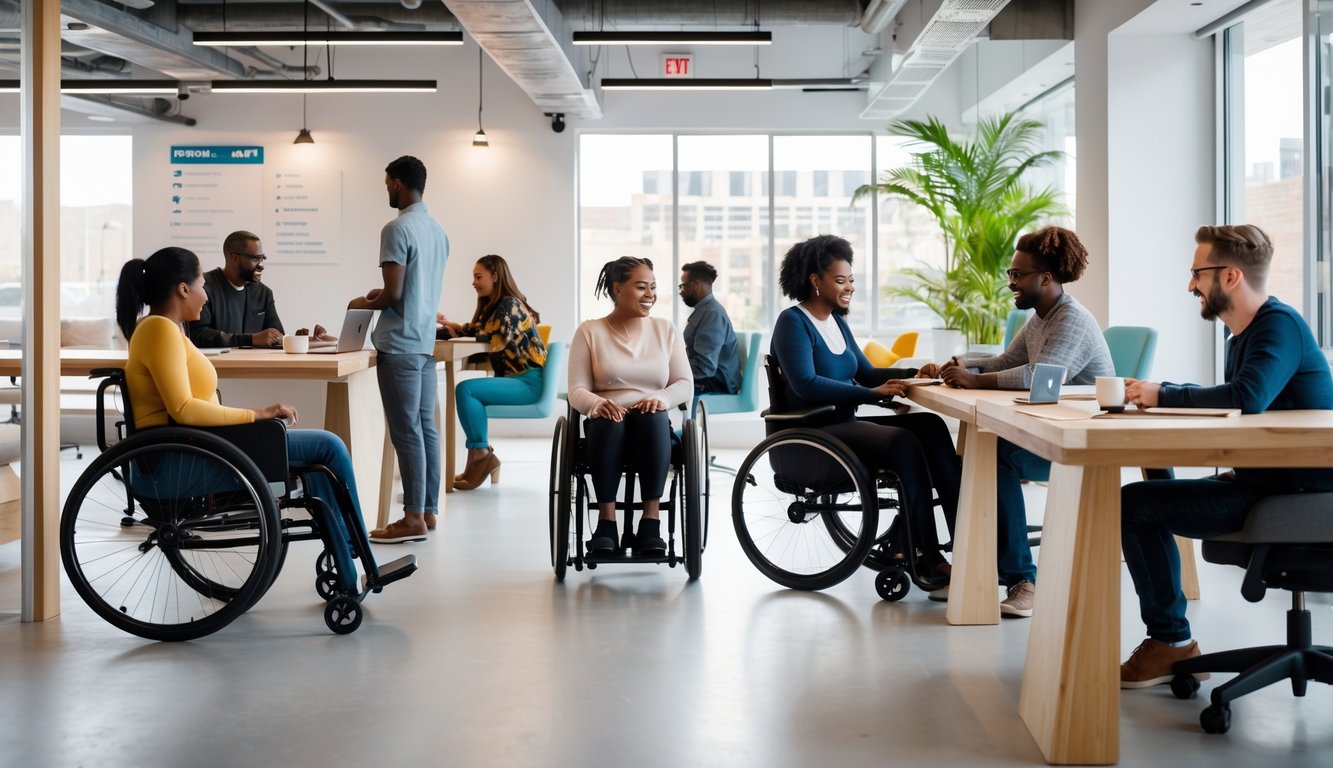
I create spaces where people of all abilities, backgrounds, and work styles feel welcome. I pay attention to how the environment supports accessibility and helps people connect.
My staff makes sure they can meet the needs of a diverse community.
Promoting Diversity and Belonging
I make my coworking space reflect the diversity of the community. I welcome people from different industries, cultures, and abilities.
I use inclusive design principles, such as gender-neutral restrooms, ramps, and adjustable desks, so everyone can work comfortably. Quiet rooms and social lounges let people choose the environment that suits them best.
I highlight diversity in marketing and events. For example, I host cultural appreciation days and invite speakers from underrepresented groups.
I regularly ask for feedback and make changes based on what members need. My goal is for everyone to feel like they belong.
Supporting Networking for All Members
I know networking can be intimidating, especially for people new to coworking or from marginalized groups. I create structured opportunities for members to connect.
This includes small group introductions, skill-sharing sessions, and themed meetups. I schedule events at different times to fit varied schedules.
I design networking spaces with accessibility in mind. I arrange seating so wheelchair users can move easily and ensure good lighting for people with vision needs.
I also use online tools to help members connect. Community platforms let people post projects, share resources, or arrange meetups.
Staff Training and Awareness
I train my staff to recognize and meet the needs of a diverse membership. Training starts with awareness training on accessibility, cultural sensitivity, and inclusive communication.
Staff learn how to assist members with mobility devices, adapt to sensory needs, and use respectful language. I also give them clear steps for handling discrimination complaints.
We review our policies often to make sure they match our values. This includes event planning and how we greet new members.
I keep staff informed and prepared so my coworking space stays welcoming and accessible for everyone.
Best Practices and Future Trends for Accessibility
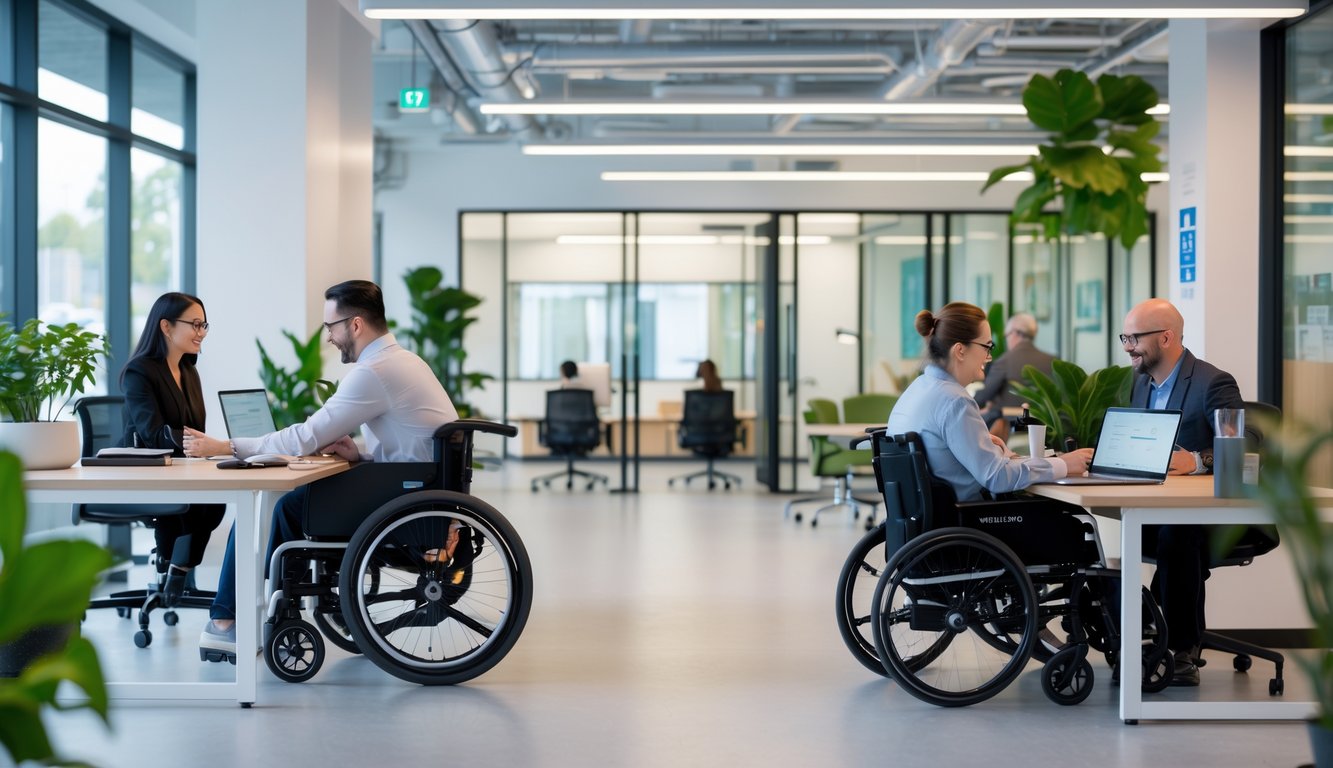
I make coworking spaces easy to navigate, comfortable for all, and adaptable to changing needs. I use flexible layouts, listen to members, and try new tools that improve accessibility.
Flexible Workspace Solutions
I make sure workspaces can adapt to different physical and sensory needs. Adjustable desks, movable partitions, and varied seating help members choose what works best for them.
I also adjust lighting and sound. Dimmable lights and acoustic panels reduce strain for people with light or noise sensitivities.
Here’s a quick example setup I’ve used:
| Feature | Benefit |
|---|---|
| Height-adjustable desks | Supports wheelchair users and standing work |
| Quiet zones | Helps members focus without noise distractions |
| Wide walkways | Improves mobility access |
Flexibility benefits everyone, not just those with disabilities. It also makes it easier to reconfigure spaces as needs change.
Community Feedback and Continuous Improvement
I rely on regular feedback to keep accessibility features relevant. I use short surveys, suggestion boxes, and casual check-ins to learn what works and what needs improvement.
When I receive feedback, I act on it quickly. Even small changes, like adding clearer signage or improving door handles, make a big difference.
I track changes over time to see if updates actually improve the member experience. Continuous improvement keeps the workspace aligned with both legal requirements and real-world needs, as shown in current accessibility trends.
Innovative Ideas for Enhanced Accessibility
I’m exploring tools like AI-powered transcription for meetings. I also use virtual reception desks for remote check-ins.
These ideas help members with hearing, speech, or mobility challenges participate fully.
I’ve tested wayfinding apps that give step-by-step navigation inside the workspace. These apps assist people with visual impairments or those unfamiliar with the layout.
Some coworking spaces now use universal design principles. All members can use the same features without needing special requests.