When I set up a coworking space, I focus on more than just desks and Wi-Fi. I aim to create a place where everyone can work comfortably and independently.
Meeting ADA standards means ensuring people with disabilities have the same access and opportunities as everyone else. This is not just a legal requirement—it helps build a more welcoming and functional community.
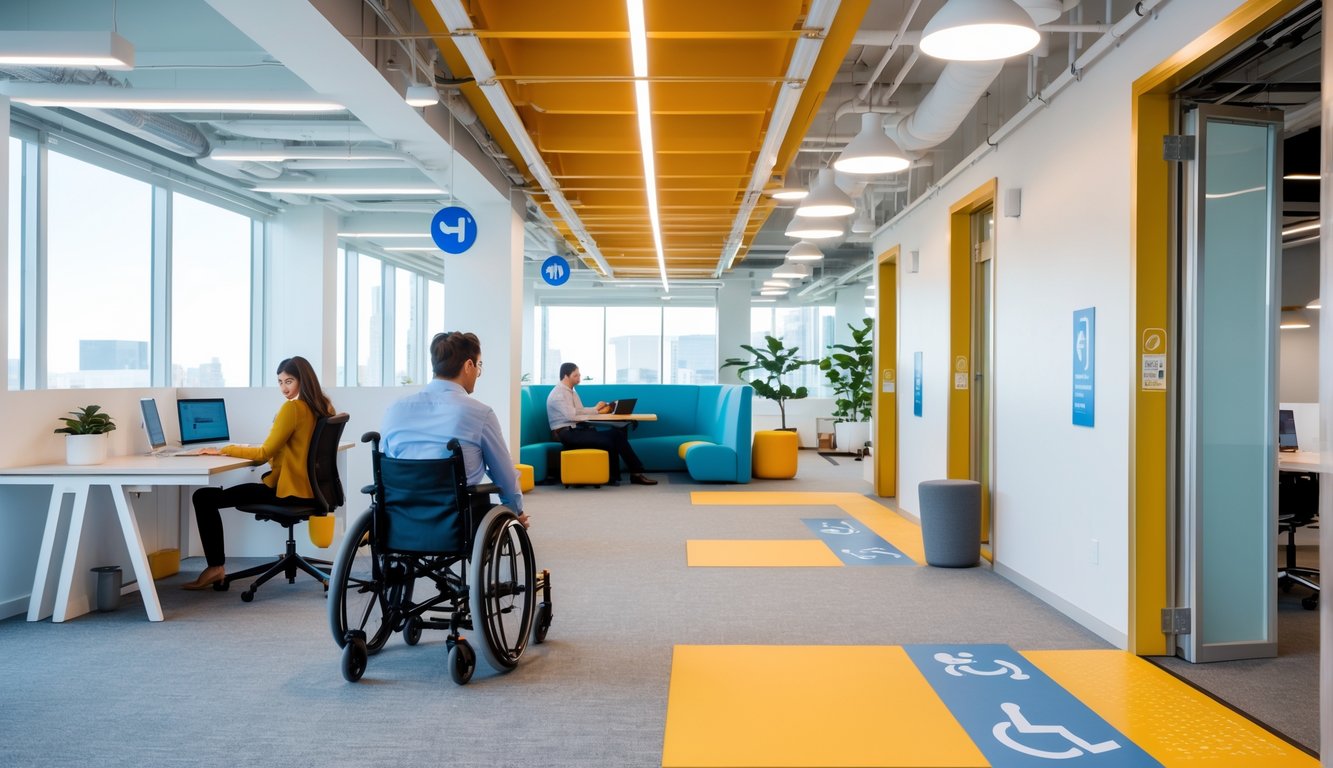
I learned that ADA Standards for Accessible Design cover details like door widths, ramp slopes, restroom layouts, and signage. In a coworking space, these details can decide whether someone feels included.
By focusing on accessibility from the start, I can avoid costly changes later. This makes the space work for more people.
There’s more to accessibility than the physical setup. An accessibility audit can reveal hidden barriers.
Ongoing updates help the space stay compliant as needs change. I see ADA compliance as an opportunity to make my coworking space more useful and inviting for everyone.
Understanding ADA Standards for Coworking Spaces
I make sure my coworking space meets clear, measurable requirements so people with disabilities can use it without barriers. I follow design rules, meet legal duties, and create an environment where everyone can work comfortably and safely.
Overview of ADA Guidelines
The Americans with Disabilities Act (ADA) is a federal law that protects the rights of people with disabilities. It covers public spaces, including coworking offices, and sets rules to ensure equal access.
The ADA Standards for Accessible Design explain how to make a space physically accessible. This includes door widths, ramp slopes, restroom layouts, and signage requirements.
You can read the full standards on the ADA’s official design standards page.
I follow these guidelines when planning renovations or arranging furniture. For example, workstations need enough clearance for wheelchair users.
Entrances should have automatic doors or lever-style handles. I also check that shared areas like kitchens and conference rooms meet the same accessibility standards.
Key Principles of Accessibility
I focus on three main principles: physical access, communication access, and usability.
Physical access means people can enter, move around, and use the space without obstacles. This might require ramps, elevators, or wide hallways.
Communication access ensures that people with hearing or vision impairments can participate. I add visual fire alarms, tactile signage, or assistive listening devices in meeting rooms.
Usability means the space is practical for daily use. Adjustable desks help people of different heights or mobility needs.
Legal Obligations Under the Americans with Disabilities Act
Under the ADA, I must remove barriers that prevent access, as long as it is “readily achievable.” This applies whether I own the building or lease it.
If I do not comply, I may face fines or need to make immediate changes. In some cases, the space could be closed until it meets standards, as explained in this accessibility audit guide for coworking spaces.
I keep up with changes to ADA regulations by reviewing my space regularly. I update features like signage, lighting, and restrooms when needed.
Accurate records of inspections and upgrades help prove that I meet my legal obligations.
Essential Accessibility Features in Coworking Environments
I make sure coworking spaces I use or manage meet ADA Standards so everyone can enter, move around, and work without barriers. I focus on building access, clear movement paths, accessible restrooms, and work areas that fit different needs.
Accessible Entrances and Exits
I check that entrances have ramps or level thresholds so people using wheelchairs or walkers can enter easily. Automatic or push-button doors help reduce strain for anyone with limited mobility.
Doorways should be at least 32 inches wide to meet ADA Standards for Accessible Design. I use lever-style door handles instead of knobs, since these are easier to grip.
For safety, exits are just as accessible as entrances. I provide clear signage, well-lit pathways, and doors that open without heavy force.
If there are stairs, I provide an alternative route, like an elevator or platform lift.
Pathways and Circulation Requirements
Inside the space, I keep hallways and aisles at least 36 inches wide so people can move freely. I avoid blocking walkways with plants, chairs, or storage.
I make sure flooring is smooth and slip-resistant. Thick rugs or uneven transitions between rooms can cause tripping.
Clear signage with high-contrast text and Braille helps people with low vision navigate. In larger coworking spaces, I place maps or wayfinding signs at key points to help everyone move easily.
Restroom Accessibility
Restrooms need enough space for a wheelchair to turn, usually a 60-inch diameter clear floor area. I install grab bars next to toilets and inside stalls to help with stability and transfers.
Sinks are mounted at a height that allows someone in a wheelchair to roll under. Lever or touchless faucets make it easier for people with limited hand strength to use them.
I also check that mirrors, soap dispensers, and hand dryers are within reach. Following ADA restroom requirements ensures these details are correct.
Workstation and Meeting Room Adaptations
I arrange workstations so there is enough clearance for mobility devices—usually 30 by 48 inches of clear space at each desk. Adjustable-height desks and chairs with armrests help fit different body types and needs.
In meeting rooms, I make sure tables have knee clearance and enough turning space for wheelchairs. I provide assistive listening systems for people with hearing loss.
When possible, I include screen reader–friendly digital tools and captioned video conferencing. This way, both the physical and digital environments stay accessible for everyone.
Conducting an Accessibility Audit
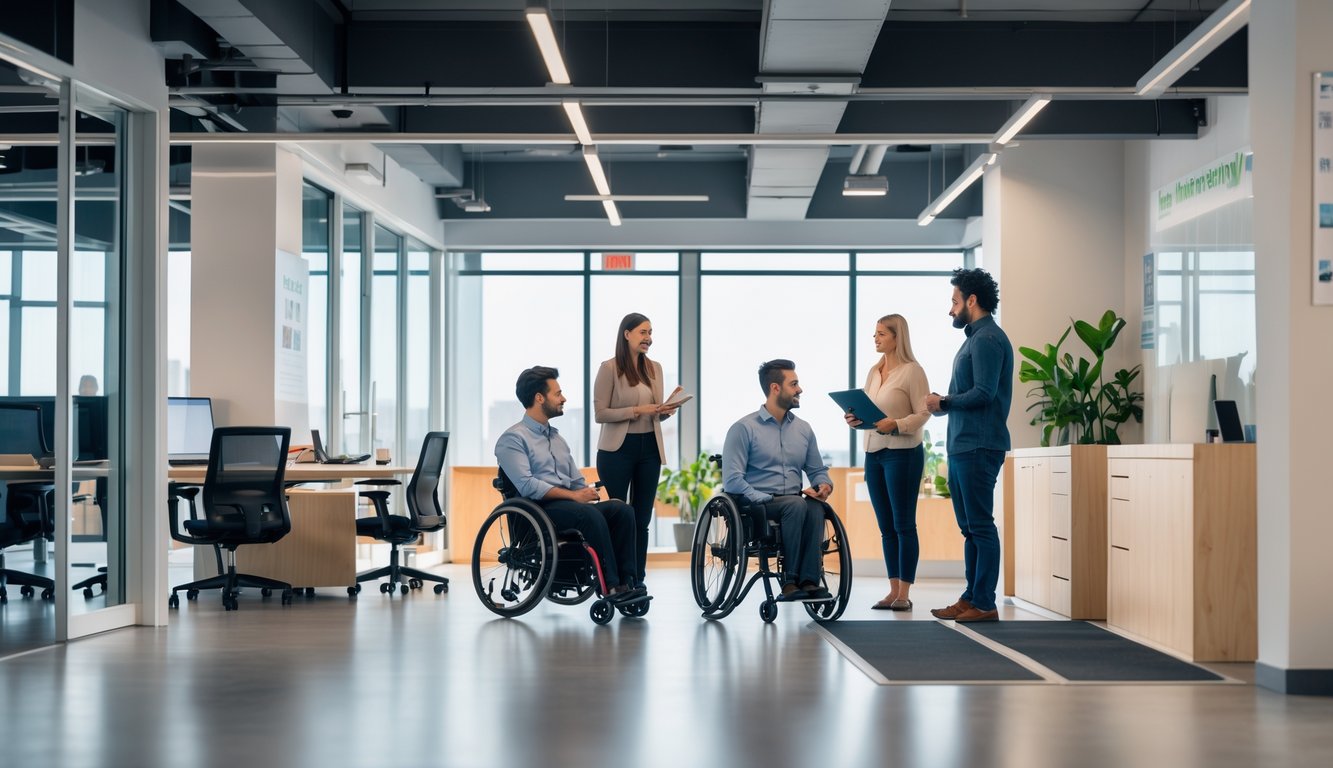
I look for specific features that meet ADA guidelines, such as doorway widths, ramp slopes, restroom layouts, and accessible technology. I also check for clear signage, reachable controls, and safe pathways so people with disabilities can use the space without obstacles.
Importance of Regular Audits
I run regular accessibility audits to make sure my coworking space stays compliant with the ADA Standards for Accessible Design. These standards can change, and my space may also change over time.
Even small renovations can create new barriers. For example, moving furniture into a hallway can reduce the required 36-inch clear width.
Regular checks help me:
- Identify issues early before they become violations.
- Avoid legal risks tied to non-compliance.
- Maintain inclusivity for all members.
I keep written records of each audit. This helps me track fixes and show proof of compliance if needed.
Steps to Perform an Accessibility Audit
I start by reviewing the ADA guidelines so I know the exact measurements and requirements. I focus on both physical access and digital access.
For physical spaces, I check:
- Entrances – doors at least 32 inches wide when open.
- Pathways – clear and level routes without obstructions.
- Restrooms – grab bars, turning space, and accessible sinks.
- Work areas – adjustable desks and reachable outlets.
For digital spaces, I look at website accessibility, ensuring it meets WCAG standards for screen readers and keyboard navigation.
If I am unsure about a requirement, I hire a professional to conduct a comprehensive ADA compliance inspection.
Addressing Common Barriers
I often find recurring issues during audits. Narrow doorways, heavy doors without automatic openers, and steep ramps are common.
In shared kitchens, counters may be too high for wheelchair users. In meeting rooms, poor audio systems make it hard for people with hearing loss to participate.
To fix these, I:
- Install automatic door openers.
- Adjust counter heights.
- Add tactile and braille signage.
- Upgrade lighting and sound systems.
By addressing these barriers quickly, I make sure my coworking space stays welcoming and compliant with ADA accessibility requirements.
Fostering Inclusivity Beyond Physical Compliance
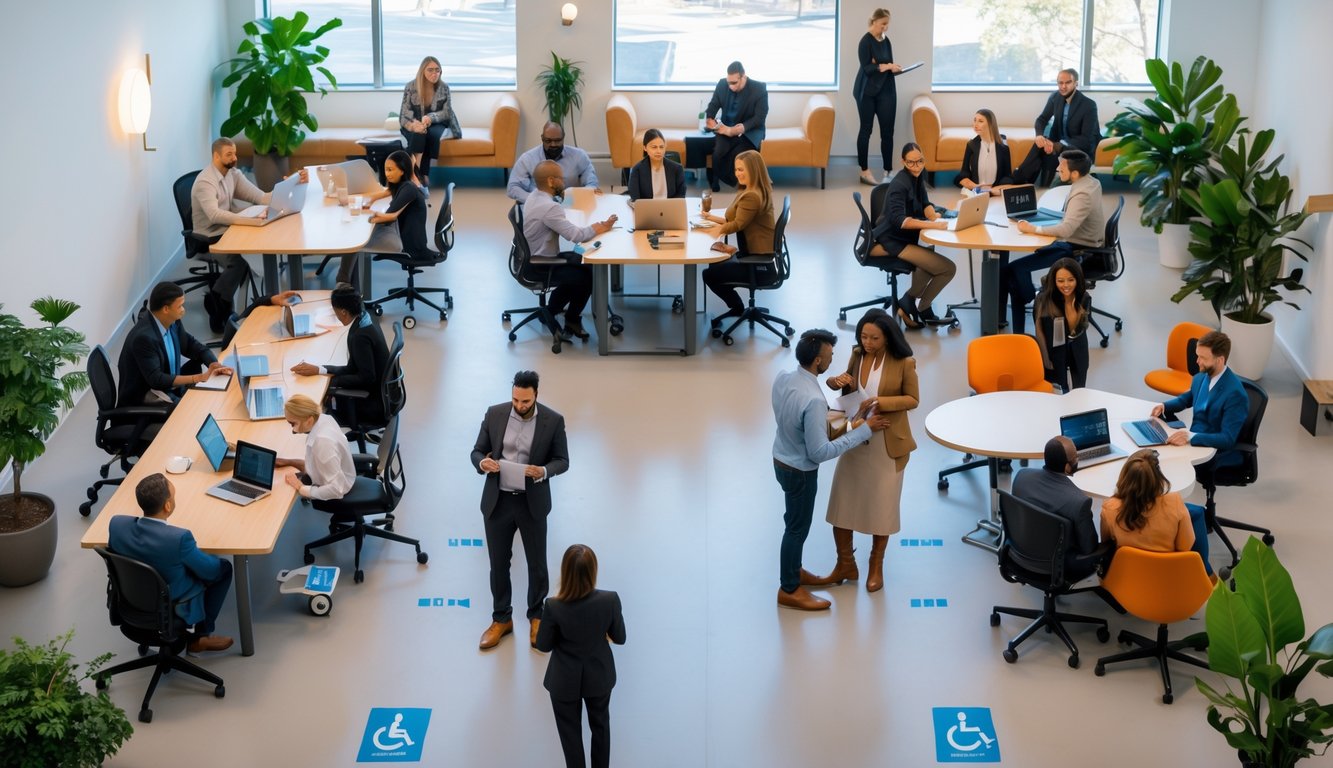
I focus on making coworking spaces welcoming for everyone, not just meeting ADA rules. This means paying attention to daily interactions and how people feel included in the community.
Creating an Inclusive Culture
I make sure everyone feels like they belong from the moment they walk in. This starts with clear expectations for respectful behavior and a zero-tolerance policy for discrimination.
I encourage members to share feedback on accessibility. Simple tools like anonymous suggestion boxes or short online surveys help me learn what needs improvement.
Community events help promote inclusivity. I plan gatherings with varied formats—some in-person, some virtual—so people with mobility or sensory needs can participate fully.
By designing shared spaces with flexible layouts, I can adapt to different needs without making anyone feel singled out.
Inclusive Communication and Policies
I make sure all written materials are easy to read and available in multiple formats, such as large print or digital text. This includes membership agreements, event notices, and safety instructions.
When I host meetings or events, I use clear speech and avoid unnecessary jargon. If possible, I provide captions for videos and transcripts for audio recordings.
My policies also address accessibility needs directly. For example:
| Policy Area | Accessibility Action |
|---|---|
| Event Planning | Offer remote access options |
| Workspace Booking | Allow priority booking for accessible desks |
| Emergency Procedures | Provide evacuation plans in plain language |
These steps help ensure that no one is left out because of how information is shared.
Training Staff for Accessibility Awareness
I train my team to spot and address accessibility barriers quickly. They learn how to assist someone using mobility aids and understand invisible disabilities.
I also teach them to use respectful language. Every few months, we run short refresher sessions.
These sessions cover real-life scenarios, such as helping someone navigate a crowded workspace. We also practice adjusting lighting for sensory comfort.
I encourage staff to learn about universal design principles. These principles go beyond ADA rules to improve spaces for everyone.
Resources like ensuring ADA compliance in co-working spaces guide our training.
Ongoing Maintenance and Updates for ADA Compliance
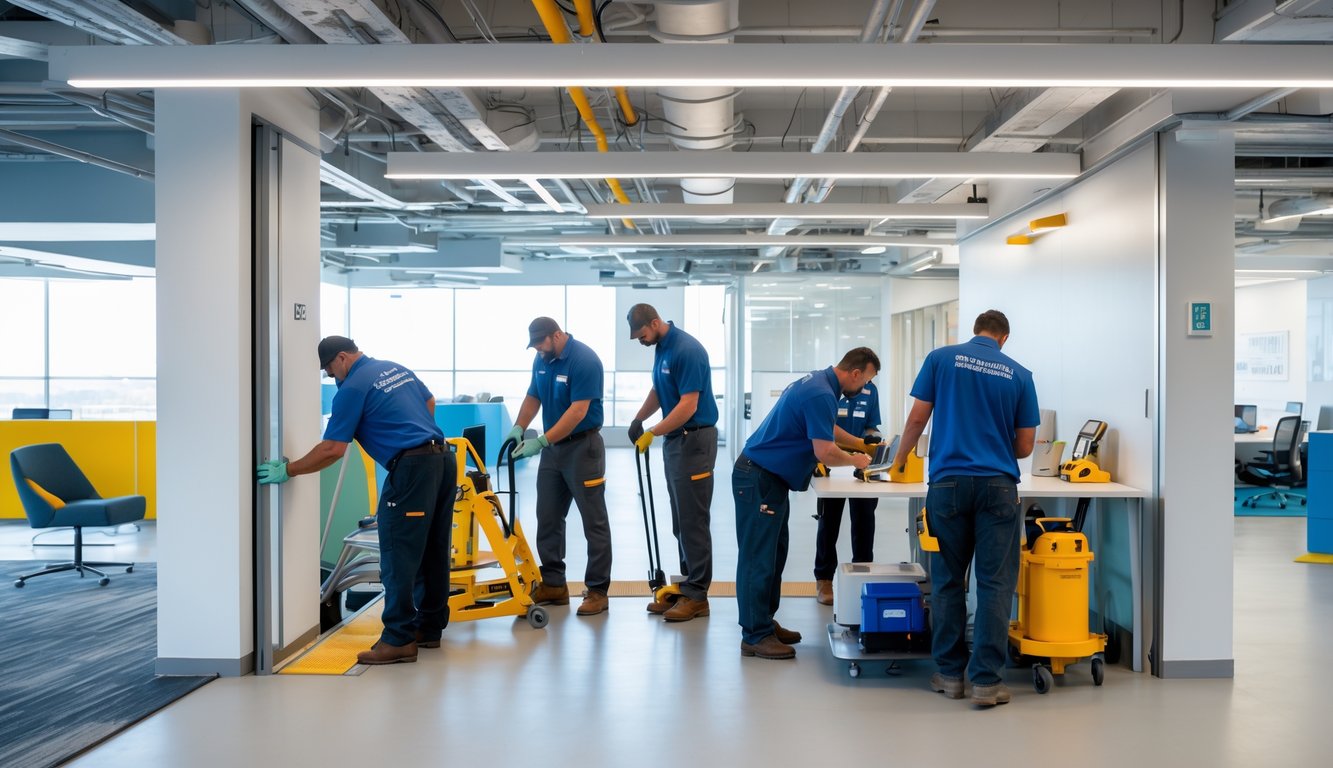
I keep my coworking space accessible by tracking legal updates. I also make physical and digital upgrades and adjust policies over time.
This approach helps me meet ADA Standards and ensures all members can use the space comfortably.
Monitoring Changes in ADA Regulations
I check for updates from the Department of Justice and the ADA Standards for Accessible Design. Because these rules can change, I stay alert to avoid falling out of compliance.
I subscribe to ADA-related newsletters and attend local business workshops. This way, I hear about changes early and can plan ahead.
When I notice the removal or release of official guidance, like the recent DOJ removal of key ADA guidance documents, I consult an ADA specialist. This helps me confirm what adjustments I need to make.
My quick checklist for tracking ADA changes:
- Review ADA.gov at least once a quarter
- Follow disability rights organizations on social media
- Keep a contact list of ADA consultants and local accessibility experts
Upgrading Facilities and Technology
I regularly inspect my space for physical accessibility issues. I check door widths, ramp slopes, restroom layouts, and signage.
If I renovate, I understand that certain changes can trigger ADA compliance upgrades. I make sure our booking systems, websites, and apps meet WCAG standards for digital accessibility.
I test these tools with screen readers to confirm they work for members with visual impairments. When I replace furniture, I choose adjustable desks and chairs with enough clearance for wheelchair users.
I ensure lighting is even and glare-free to help people with low vision.
Upgrade priorities I focus on first:
- Entrances and pathways
- Restrooms and kitchens
- Digital tools and platforms
Continuous Improvement Strategies
I treat ADA compliance as an ongoing process. I schedule quarterly walk-throughs to spot new barriers.
I ask members who use accessibility features for feedback. I also run short staff trainings on ADA requirements so everyone knows how to assist members respectfully.
These trainings cover proper use of accessible equipment and clear communication practices. To stay proactive, I use a simple table to track action items:
| Date Found | Issue | Action Needed | Status |
|---|---|---|---|
| 05/10/25 | Door handle too high | Replace with ADA-compliant lever | Completed |
| 07/22/25 | Website missing alt text | Add descriptions to all images | In Progress |
This system keeps me accountable and helps my coworking space meet ADA Standards year-round.
Benefits of ADA-Compliant Coworking Spaces
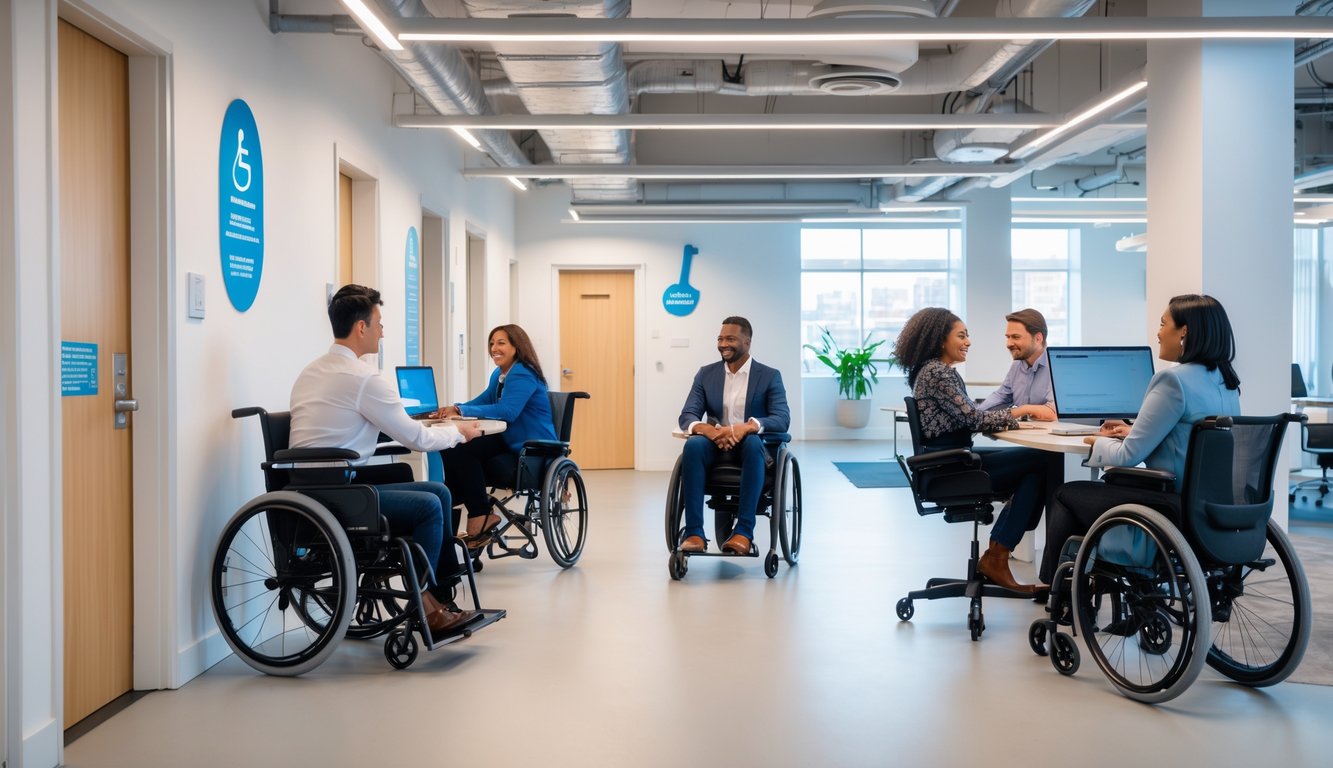
I’ve seen how making a space fully accessible changes who can use it. It also affects how people feel when they’re there.
It opens the door to more people and builds trust. Accessibility strengthens community ties and protects the business from avoidable risks.
Expanding Member Diversity
When I ensure my coworking space meets ADA accessibility standards, I make it possible for people with different abilities to work here without barriers.
This includes wheelchair users, people with vision or hearing impairments, and those with invisible disabilities. Accessibility features like wide doorways, adjustable desks, and clear signage help everyone feel welcome.
When members see this level of inclusivity, they’re more likely to recommend the space to friends and colleagues. A more diverse membership encourages different perspectives and ideas.
That mix of experiences leads to better collaboration and problem-solving for everyone.
Enhancing Reputation and Community Impact
An ADA-compliant space shows I care about more than just meeting the minimum legal requirements. It tells people I value inclusivity and want everyone to participate equally.
This reputation can set my coworking space apart from others. Local organizations, advocacy groups, and media outlets often highlight businesses that make a positive community impact.
By making accessibility a priority, I build stronger relationships with members. They see the effort I put into creating an environment that respects their needs, which builds trust and loyalty.
Legal and Financial Advantages
Meeting ADA standards is not just the right thing to do. It is also a smart business move.
Ignoring compliance can bring legal action, fines, and expensive retrofits. By following guidelines from resources like this ADA compliance guide for coworking spaces, I avoid those risks.
Accessible design opens up new revenue streams. Companies looking for inclusive spaces for events or remote teams often choose coworking spaces that already meet accessibility requirements.
Sometimes, grants or tax incentives support accessibility improvements. These benefits help make the investment worthwhile.